
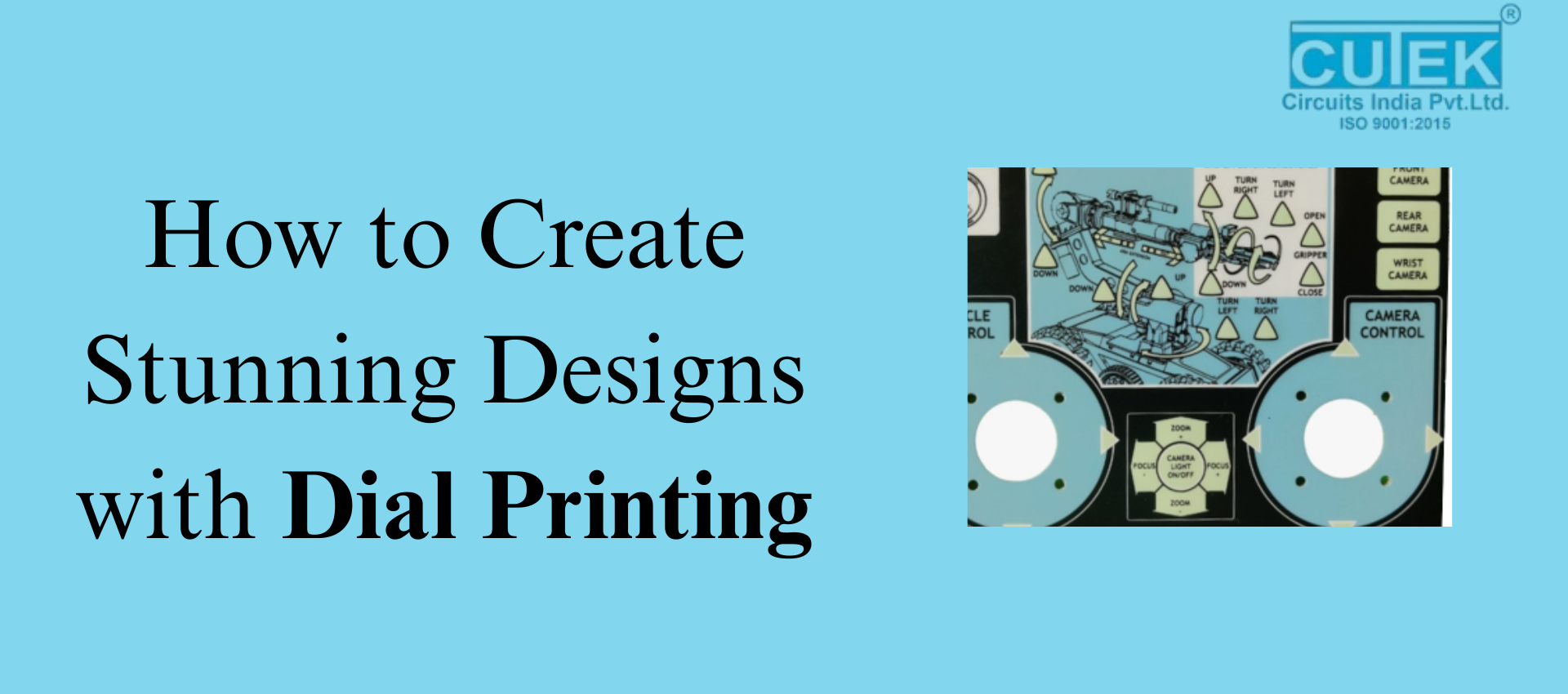
Dial printing is a precise and durable printing method used to create clean, sharp, and long-lasting designs on dials, panels, and industrial interfaces. Whether used in automotive dashboards, home appliances, or machinery, dial printing ensures accuracy and a professional finish.
What Exactly Is Dial Printing and How Does It Enhance Design Quality?
What Is Dial Printing?
Dial printing is a specialized technique used to print numbers, scales, symbols, and graphics on dials. It offers exceptional clarity, alignment, and durability, making it ideal for industries that demand precision.
How It Enhances Design Quality
- High Precision: Ensures markings and text stay perfectly aligned.
- Long-Lasting: Uses UV-resistant and scratch-resistant inks.
- Accurate Colors: Supports CMYK and Pantone standards for consistent shades.
- Multiple Materials: Works on polycarbonate, acrylic, PVC, ABS, and metal.
- Premium Finish: Results in clean, sharp, and professional designs.
Dial printing combines beauty with durability—making it perfect for both aesthetics and usability.
What Is the Best Process to Follow for Creating Stunning Dial Printing Designs?
1. Understand the Application
Before designing, identify where the dial will be used. Is it for a car, machine, electronic device, appliance, or medical equipment?
This helps in choosing the right material, ink, and printing method.
2. Choose the Right Material
Different materials give different results:
- Polycarbonate: Best for backlit or illuminated dials
- Acrylic: Clear, glossy, and premium looking
- Metal: Strong and suitable for heavy-duty use
- PVC / ABS: Cost-effective and versatile
The material directly affects print sharpness and durability.
3. Design with Precision
Dial designs must be clear, readable, and error-free.
Follow these rules:
- Use vector files (AI, CDR) for crisp edges
- Keep proper alignment and spacing
- Use simple, readable fonts
- Maintain strong color contrast
- Avoid cluttered designs
- Add proper bleed and safe zones
Precision is key because even small mistakes become noticeable on a dial.
4. Pick the Right Printing Technique
Screen Printing
- Ideal for solid colors
- Very durable
- Best for bulk production
Digital Printing
- Great for detailed and colorful designs
- Supports gradients and complex patterns
UV Printing
- Sharp details
- Instant curing
- Premium look
Pad Printing
-
Works well on curved or textured surfaces
Choose a technique based on design complexity, material, and budget.
5. Select the Right Ink and Finish
- Use industrial inks like UV-curable or solvent-based inks
- Choose the finish based on the look you want: matte, glossy, or textured
- For backlit dials, use translucent inks for smooth lighting
Good ink and finishing elevate both look and durability.
6. Test, Review, and Prototype
Always test before final production.
Check for:
- Color accuracy
- Alignment
- Sharpness
- Backlight performance (if used)
A prototype helps catch issues early and ensures a perfect final result.
What Are the Common Challenges in Dial Printing and How Can You Avoid Them?
1. Misalignment
Even a small shift can make the dial look incorrect.
Solution: Use accurate die-line files and alignment guides.
2. Color Inconsistency
Printed colors may look different from digital designs.
Solution: Use Pantone or calibrated CMYK profiles and test prints.
3. Low-Resolution Artwork
Low-quality images look pixelated.
Solution: Always design in vectors.
4. Poor Ink Adhesion
Ink may peel if the material isn’t prepared.
Solution: Clean and pre-treat surfaces properly.
5. Uneven Backlighting
Backlit dials may show hotspots.
Solution: Use translucent inks and test lighting during prototyping.
Where Is Dial Printing Commonly Used?
Major Applications
- Vehicle dashboards and speedometers
- Industrial and machine control panels
- Home appliance interfaces
- Medical equipment displays
- Electronic device panels
- Clocks, timers, and measuring instruments
Dial printing is trusted across industries for its accuracy and durability.
Dial printing is one of the best methods for producing clear, durable, and visually appealing dial designs. With the right materials, printing techniques, and careful design planning, you can create dials that are both functional and beautiful.
FAQ’s
Q1: Which materials are best for dial printing?
Polycarbonate, acrylic, metal, PVC, and ABS offer excellent durability and print quality.
Q2: Is dial printing good for backlit designs?
Yes. Using translucent inks ensures smooth and even lighting for backlit dials.
Q3: How long does dial printing last?
With high-quality inks, dial printing can last for many years without fading or peeling.
Q4: Can dial printing handle complex designs?
Yes. Techniques like digital and UV printing support gradients, textures, and multicolor artwork.
Q5: What file format should be used?
Vector formats such as AI, CDR, EPS, or PDF are ideal for sharp and accurate printing.
Contact Cutek Circuits
📞 Phone: +91 92255 24304 | +91 98237 84304 | +91 87930 34304
📧 Email: info@cutekcircuits.com | sales@cutekcircuits.com
🌐 Website: https://cutekcircuits.com