
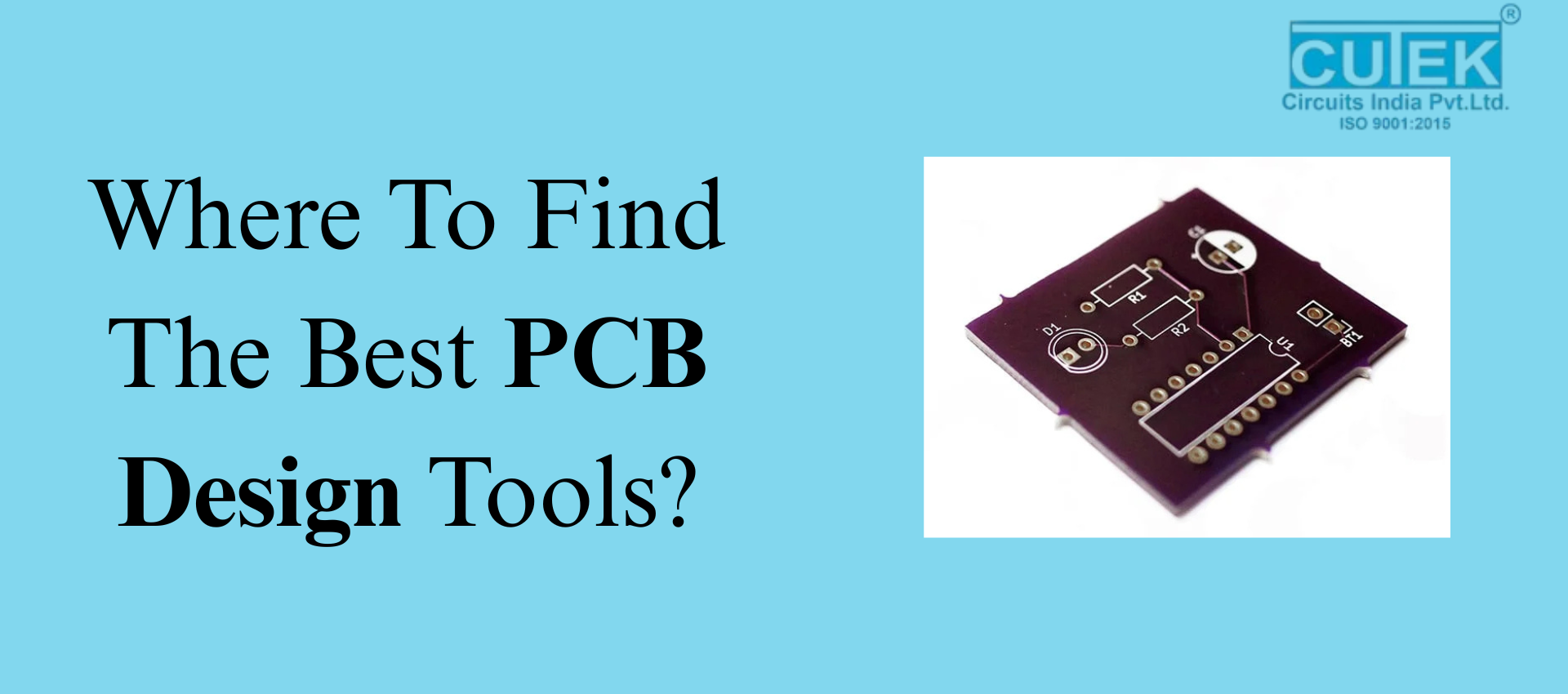
Choosing the right software is one of the most important steps in PCB designing. With so many tools available, beginners and professionals often struggle to decide which PCB design tools are truly the best. To make it easier, this blog answers the most common questions about where to find the best PCB design tools, what features to look for, and how to choose the right one.
What Makes Good PCB Designing Tools Important?
Good PCB design tools help you:
- Build accurate and reliable layouts
- Reduce design errors
- Improve workflow efficiency
- Visualize circuits in 2D and 3D
- Speed up prototyping
The better the tool, the smoother your PCB designing process becomes.
What Features Should You Look for in PCB Design Tools?
1. Why is a User-Friendly Interface Important?
A simple interface helps you design faster and reduces confusion, especially for beginners.
2. Why Do You Need 3D Visualization & Simulation?
Simulation helps test performance before manufacturing and prevents costly mistakes.
3. How Do Component Libraries Help?
Large, updated libraries save time and ensure accurate component placement.
4. What is the Role of Design Rule Checks (DRC)?
DRC ensures your layout follows industry standards and avoids design errors.
5. Why Do Teams Need Collaboration Features?
Collaboration tools help multiple designers work on the same PCB efficiently.
Where Can You Find the Best PCB Design Tools?
1. Can You Find PCB Tools on Official Software Websites?
Yes! Most popular tools provide free trials or community versions. Examples include:
- Altium Designer
- Autodesk Eagle
- KiCad
- Proteus
- OrCAD
- EasyEDA
2. Are Electronics Forums Helpful?
Absolutely. Experts share real experiences, reviews, and tool suggestions.
Useful platforms:
- EEVblog Forum
- All About Circuits
- Reddit (r/PrintedCircuitBoard)
3. Do Online Tool Directories Recommend PCB Tools?
Yes. Websites like AlternativeTo and G2 offer tool comparisons, features, and user reviews.
4. Do PCB Manufacturers Suggest Tools?
Many manufacturers recommend compatible PCB design tools to avoid design-to-fabrication issues.
5. Can Learning Platforms Help You Choose Tools?
Yes. Courses often highlight which tools are best for beginners or advanced PCB designing.
Which PCB Design Tools Are Best to Use?
1. Is Altium Designer Good for Professionals?
Yes. It’s one of the most advanced and widely used tools with powerful capabilities.
2. Is Autodesk Eagle Beginner-Friendly?
Yes. It’s simple, easy to learn, and perfect for hobbyists and small projects.
3. Is KiCad the Best Free Option?
Definitely. KiCad is open-source, powerful, and ideal for students and startups.
4. Why Should You Choose Proteus?
Proteus offers excellent simulation, especially for microcontroller-based designs.
5. Is EasyEDA Good for Online Designing?
Yes. EasyEDA is cloud-based with a huge component library and quick learning curve.
How Can You Choose the Right PCB Designing Tool?
1. Should You Choose Tools Based on Skill Level?
Yes.
- Beginners: EasyEDA, Eagle
- Professionals: Altium, OrCAD
2. Should Your Project Type Influence Tool Choice?
Yes. Complex, multi-layer designs need software with strong simulation features.
3. Does Budget Matter When Selecting PCB Tools?
Yes.
- Free tools: KiCad, EasyEDA
- Paid premium tools: Altium, OrCAD
4. Should You Check for Community Support?
Yes. Tools with active communities offer tutorials, guides, and troubleshooting help.
Finding the best PCB design tools becomes simple when you know what features to look for and where to find trusted software. Whether you’re a beginner or an experienced designer, choosing the right tool will improve your workflow and help you create better, more reliable PCBs.
Contact Cutek Circuits
Phone: +91 92255 24304 | +91 98237 84304 | +91 87930 34304
Email: info@cutekcircuits.com | sales@cutekcircuits.com
Website: https://cutekcircuits.com