
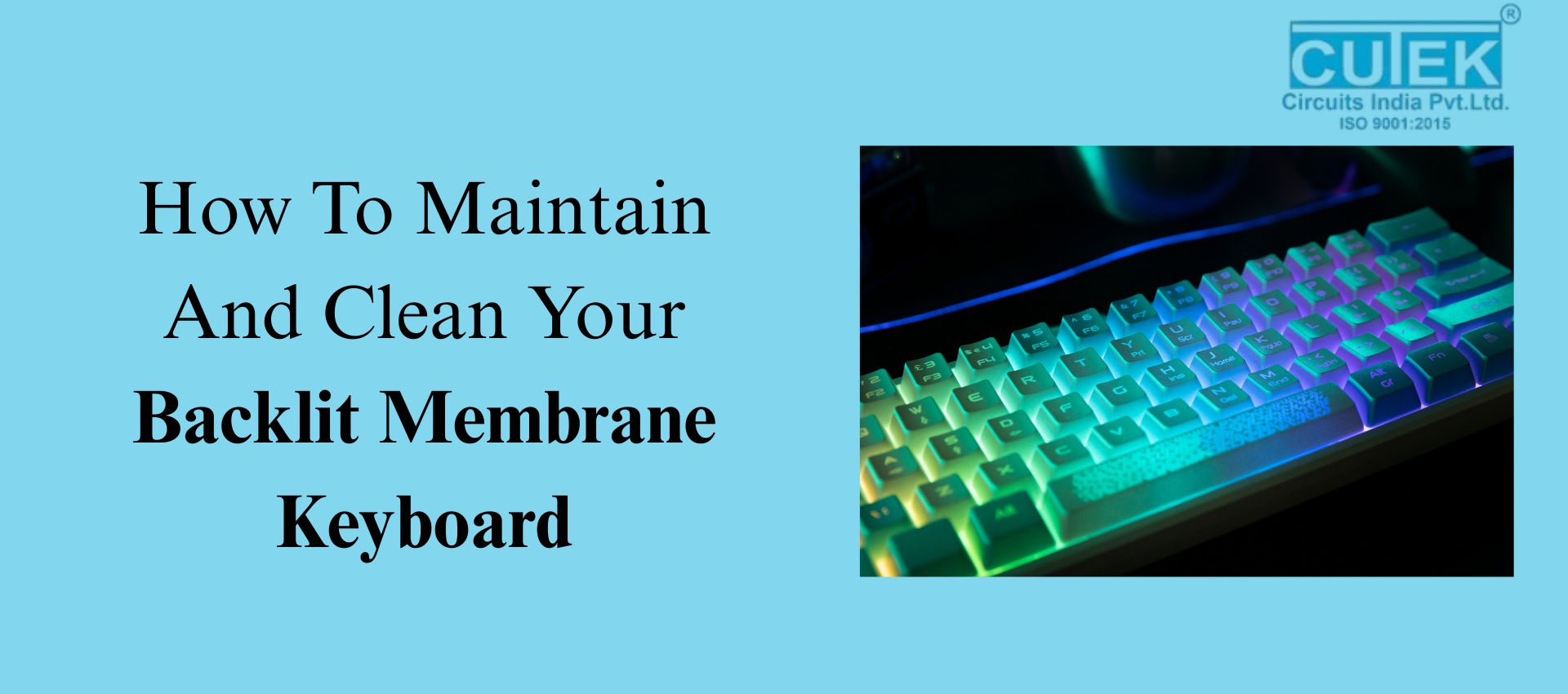
Backlit membrane keyboards are widely loved for their soft typing feel, attractive lighting, and affordable design. However, whether you use one for gaming, office work, or everyday tasks, it naturally collects dust, oils, fingerprints, and debris over time. As a result, this buildup not only makes your keyboard look dirty but also reduces key responsiveness and affects backlight brightness.
To help you keep your keyboard in top condition, here are the most essential questions and answers on how to clean and maintain Backlit Membrane Keyboards effectively.
What Is a Backlit Membrane Keyboard and Why Does It Need Cleaning?
Backlit membrane keyboards use a soft pressure-sensitive membrane layer combined with LED lighting underneath the keys. However, dirt, oils, and dust can interfere with this membrane, making the keys feel sticky or less responsive. Additionally, when dust settles over the gaps, it blocks the LED light, making the backlight appear dim.
Therefore, regular cleaning helps maintain smooth keypresses, bright lighting, and overall durability.
What Makes Backlit Membrane Keyboards Dirty?
Daily usage exposes your keyboard to:
- Dust and airborne particles
- Sweat and natural oils from your fingers
- Food crumbs and snack residue
- Accidental spills or moisture
Over time, these contaminants build up and reduce typing accuracy, eventually creating sticky keys and dimming the backlight.
What Tools Do You Need to Clean It Safely?
Recommended Tools
- Microfiber cloth
- Soft brush or small paintbrush
- Cotton swabs
- 70% isopropyl alcohol
- Compressed air (optional)
Tools to Avoid
- Harsh chemicals
- Too much water
- Sharp objects or metal tools
- Strong cleaners that can fade key lettering
By choosing the right tools and avoiding the harmful ones, you ensure safe and effective cleaning without damaging the membrane or LEDs.
How Do You Clean a Backlit Membrane Keyboard for Daily or Weekly Maintenance?
Step-by-Step Routine
- Unplug the keyboard to prevent accidental input.
- Wipe the surface using a dry microfiber cloth.
- Brush between the keys with a soft brush to remove hidden dust.
- Dampen the cloth slightly with isopropyl alcohol and gently wipe key surfaces.
This simple routine keeps your keyboard fresh and maintains good backlight visibility throughout the week.
How Do You Deep-Clean a Backlit Membrane Keyboard Safely?
Deep cleaning is important when keys feel sticky or the backlight looks uneven.
Deep Cleaning Steps
- Disconnect the keyboard completely.
- Remove keycaps gently (only if your model allows it).
- Use compressed air to blow out deep-seated dirt.
- Clean edges and under-key areas with alcohol-dipped cotton swabs.
- Let it dry fully before reattaching keycaps.
Overall, deep cleaning restores smooth keypress functionality and improves LED clarity.
How Often Should You Clean Your Backlit Membrane Keyboard?
- Weekly: Light clean (wipe + dust removal)
- Monthly: Deep clean
- Immediately: If a spill occurs or keys become sticky
Following a regular cleaning routine prevents long-term damage to the membrane and lighting system.
What Mistakes Should You Avoid While Cleaning?
Here are common cleaning mistakes that can harm Backlit Membrane Keyboards:
- Using water directly on the keyboard
- Spraying cleaners or disinfectants directly
- Removing keycaps if the keyboard doesn’t support it
- Using harsh chemicals that fade letters
- Cleaning while the keyboard is plugged in
- Using sharp or metal tools to scrape dirt
By avoiding these mistakes, you can prevent internal damage and ultimately extend your keyboard’s lifespan.
How Can You Keep Your Backlit Membrane Keyboard Clean for Longer?
Useful Prevention Tips
- Use a keyboard protector or dust cover
- Avoid eating near the keyboard
- Wash or wipe your hands before typing
- Dust the keyboard regularly
- Keep pets away to prevent hair buildup
Practicing these habits reduces the need for frequent deep cleaning.
FAQ
Q1. Can I use wet wipes to clean Backlit Membrane Keyboards?
Yes, but only alcohol-based wipes that are not overly wet. Avoid scented or chemical-heavy wipes.
Q2. Can I remove the keycaps on a membrane keyboard?
Only if the manufacturer mentions that keycaps are removable. Many membrane keyboards have fixed keys.
Q3. Why is my backlight still dim after cleaning?
Possible reasons include LED aging, internal dust, or slight moisture damage inside the keyboard.
Q4. Can I clean the keyboard while it is connected?
No. Always unplug the keyboard before cleaning to avoid accidental key presses or electrical damage.
Contact Cutek Circuits
Phone: +91 92255 24304 | +91 98237 84304 | +91 87930 34304
Email: info@cutekcircuits.com | sales@cutekcircuits.com
Website: https://cutekcircuits.com